
Measure channel contribution
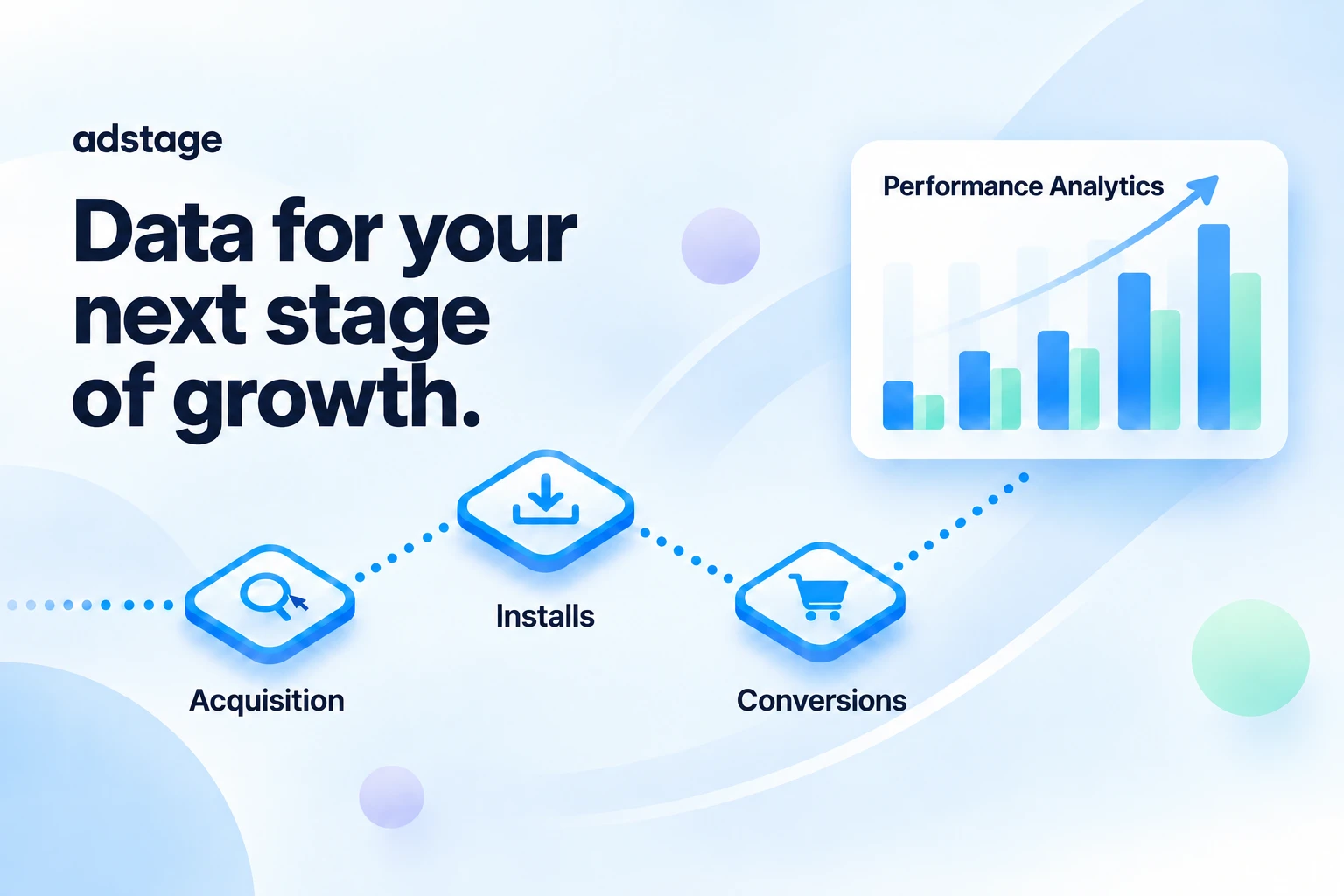
Connect ad clicks, installs and important conversion events to analyze channels and campaigns. Compare acquisition against defined conversion goals, not just traffic volume.
MARKETING INTELLIGENCE
Understand more. Grow further.
Connect ad acquisition to installs and conversions. Make informed marketing decisions with attribution, funnel and retention analytics.
PRODUCT OVERVIEW
If ad clicks are growing but their contribution to sign-ups or purchases is unclear, acquisition and behavior need a shared measurement framework. adstage brings web and app attribution, deep links, event collection and reports together to examine both campaign performance and the journey inside your product.
CORE CAPABILITIES
Connect ad clicks, installs and important conversion events to analyze channels and campaigns. Compare acquisition against defined conversion goals, not just traffic volume.
Create links with campaign, creative and keyword parameters and configure Android, iOS and desktop destinations. Route to an app, store or website, with a web fallback where configured.
Define an event sequence such as product view → cart → purchase. Compare completion and drop-off between stages to identify experiences to improve after acquisition.
Group users by an event such as installation and examine whether they return later. Compare retention by channel, campaign or creative to assess both acquisition volume and durability.
Review campaign and cost data from supported integrations. The NAVER Search Ads guide separates web SDK tracking, tracking URLs and account integration, so validate conversion tracking and cost collection independently.
Collect standard and custom events, inspect integration logs and export data for further analysis. Keep event names, properties, currency and user-identification conventions consistent across the team.
IN PRACTICE
Build a funnel from product view to cart and purchase. Compare campaign conversions with drop-off to prioritize landing-page or checkout experiments.
Compare installation performance with later return activity. Distinguish channels that generate many installs from those that bring users who remain active.
Marketing defines campaigns and goals; engineering defines event and deep-link behavior. Use shared event definitions and reports to discuss performance.
Illustrative workflows based on product capabilities, not verified customer deployments or performance results.
HOW IT WORKS
Set up the organization and app, target events and campaign naming conventions.
Integrate the relevant SDK and test initialization, identifiers and event properties.
Verify destinations and fallbacks, then configure accounts, cost collection and postbacks as needed.
Validate collected events, then combine attribution, funnel and retention reports to plan the next experiment.
READY TO CONNECT
Official documentation covers mobile and web SDKs, platform-specific deep links and in-app events. Check app identifiers and web-domain settings, and test links with and without the app installed and inside in-app browsers.
PRODUCT FAQ
OFFICIAL RESOURCES
Measurement depends on event design, attribution rules and the data provided by each channel. Confirm the required SDKs, supported channels, retention periods and usage limits during adoption planning.
Official websites and documentation checked on September 24, 2026. Availability and terms depend on version, plan and integration environment.
MORE PRODUCTS

MULTICLOUD FINOPS
One close for all your cloud costs

AI CREATIVE
Bring imagination to everyday design

REAL-TIME CONNECTION
Conversations connecting people and services
 GAMEPOT
GAME OPERATIONS
Lighter development. More enjoyable games.

TRAVEL ESIM PLATFORM
Travel connections, made simpler