
Poster
A focused visual for an event or product
AI CREATIVE

Give great ideas the wings of design.
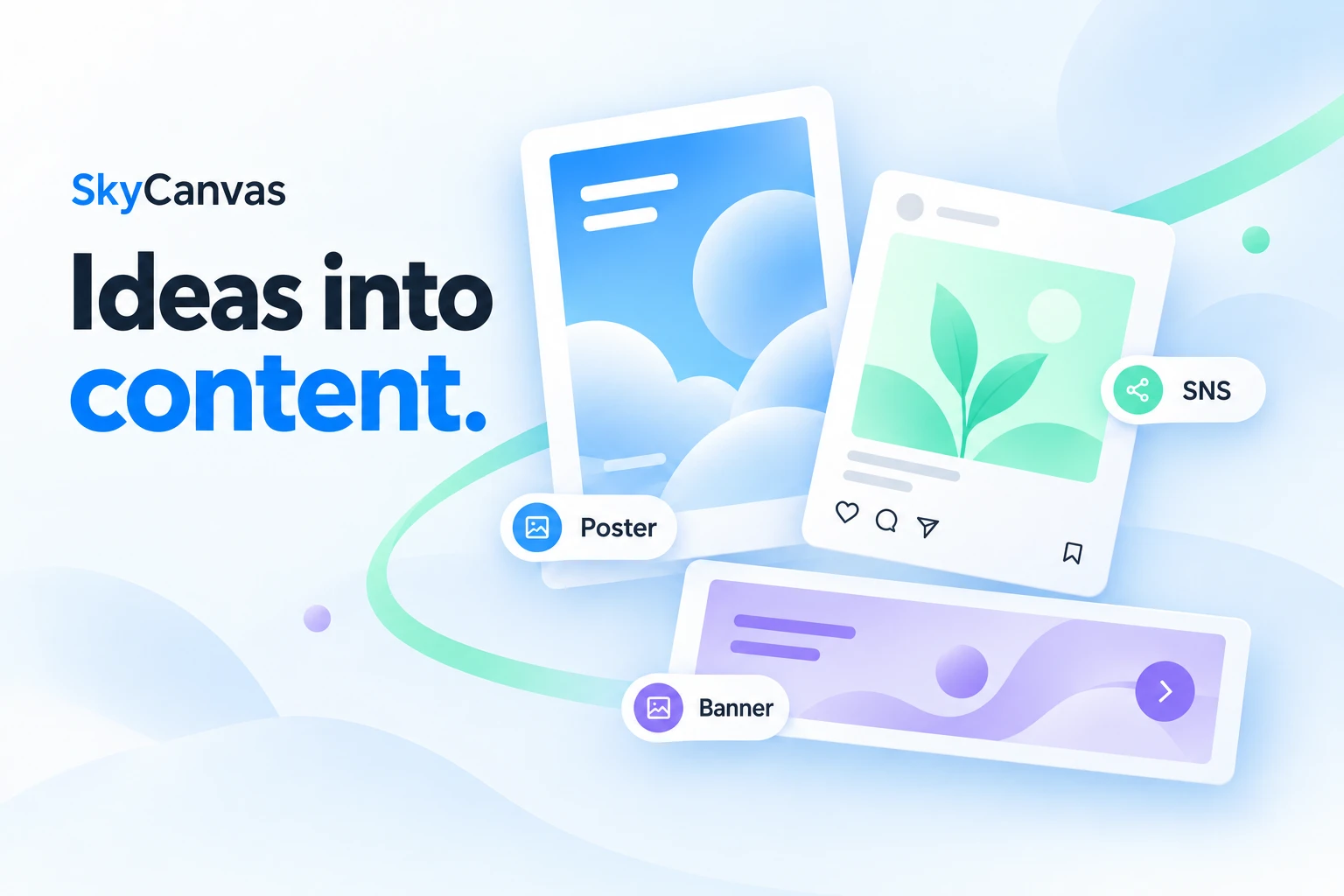
Turn ideas into posters, banners and social content. A creative tool for making and refining designs with templates and AI.
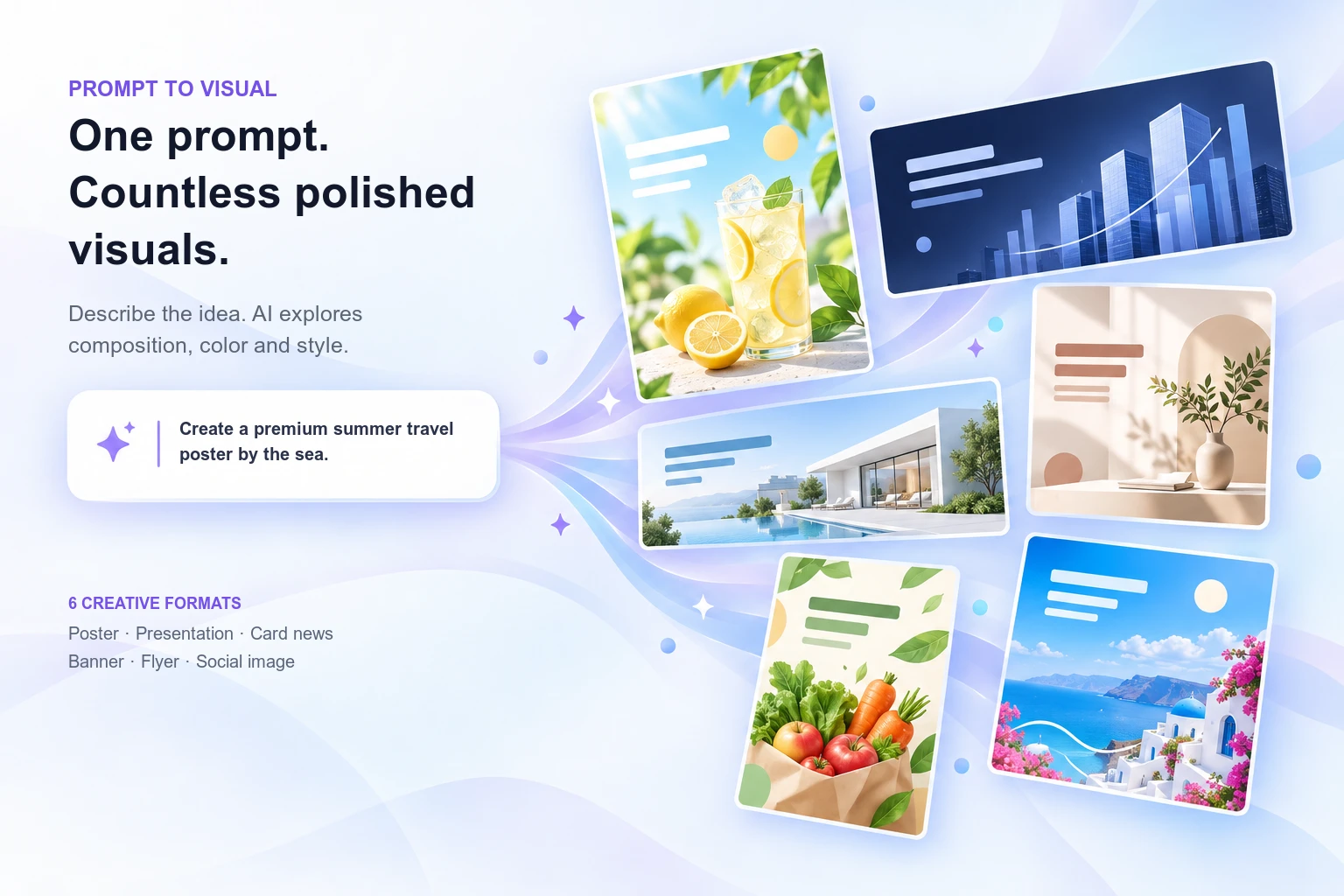
PROMPT TO VISUAL
Describe the purpose and mood in everyday language, then explore formats from posters to social images. Choose the strongest direction and refine its copy, color and size for the channel where it will be used.
A focused visual for an event or product
A cover and slides with a clear story
Short, scannable information in a series
Wide creative sized for screens and spaces
Practical promotion for stores and events
Feed-ready creative for campaigns
PRODUCT OVERVIEW
From a local shop's new-menu promotion to a brand's social posts or an organization's event notice, SkyCanvas turns a plain-language brief into an AI-generated design you can refine. It helps you focus on the message and intended use instead of drawing everything on an empty canvas.
CORE CAPABILITIES
Describe the purpose and content, such as a poster announcing a weekend brunch menu. Include dates, audience and tone so you have clear criteria for reviewing and refining the generated design.
Work with posters, social images, card-style stories, flyers, banners and presentations. Select a format that fits the publishing channel and the context in which people will read it.
Adapt an existing design or use it to establish a creative direction. The supplied homepage redesign shows templates organized by use and industry; check the live service for the currently available selection.
The service describes on-screen editing of text, colors and dimensions. Check prices, dates and contact information, then adjust the result to match your brand rather than publishing an unchecked first draft.
The official flow introduces signing in to keep designs and continue working. This can support recurring notices and seasonal promotions, not just one-off image creation.
The public service describes PNG, PDF and PPT output and printing uses. Confirm format availability and editability for the design type, then review dimensions, resolution and line breaks before publishing.
IN PRACTICE
Prepare new-menu announcements, opening promotions or coupons for in-store and social use. Verify every date and price when updating recurring materials.
Explore multiple design directions around a campaign message, then adapt the selected direction to banners, social posts and other channels.
Create notices that make dates, participation instructions and contact details easy to find. Prioritize information and check the readability of small text and long sentences.
Illustrative workflows based on product capabilities, not verified customer deployments or performance results.
HOW IT WORKS
Choose the channel, audience, required content and visual tone.
Generate a draft from your brief or build on a supplied template.
Verify names, prices, dates and contact information; adjust text, colors and size.
Export an appropriate format and inspect it in its final screen or print context.
READY TO CONNECT
A browser-based design workflow. AI generation, editing and saving/exporting were verified on the public service screen. Template discovery also references the supplied homepage concept. This introduction does not assume a desktop editor or enterprise API is available.
PRODUCT FAQ
OFFICIAL RESOURCES
Generation, editing and output follow the public service description; template discovery also references the supplied redesign concept. No guarantees are made about generation time, free allowances, exclusive rights or output quality.
Official websites and documentation checked on September 24, 2026. Availability and terms depend on version, plan and integration environment.
MORE PRODUCTS

MULTICLOUD FINOPS
One close for all your cloud costs

MARKETING INTELLIGENCE
Turn scattered data into your next growth opportunity

REAL-TIME CONNECTION
Conversations connecting people and services
 GAMEPOT
GAME OPERATIONS
Lighter development. More enjoyable games.

TRAVEL ESIM PLATFORM
Travel connections, made simpler