Search by trip
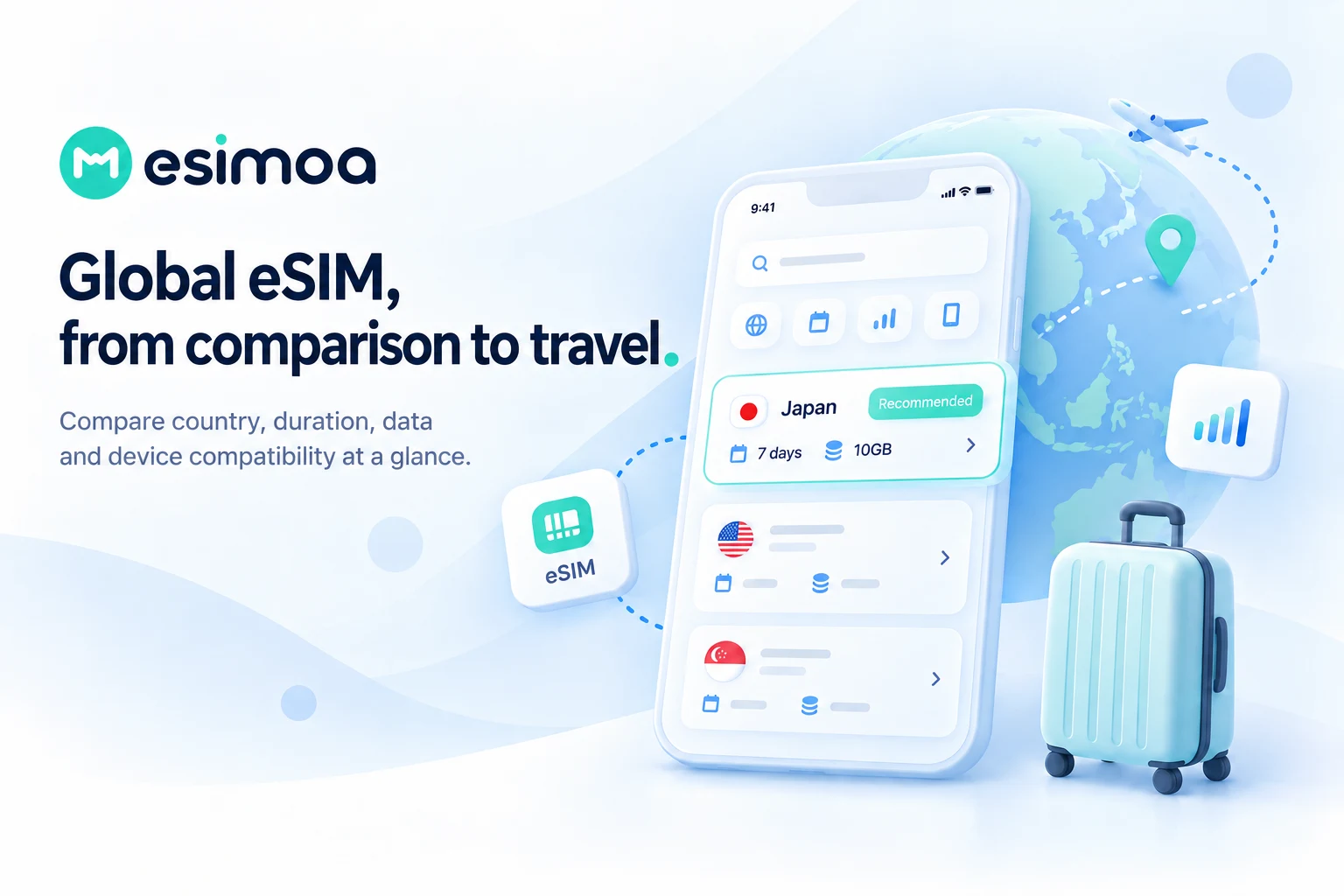
Narrow plans by country or region, travel duration and expected data use.
TRAVEL ESIM PLATFORM

Wherever you go, find your eSIM at a glance.
Compare and buy eSIMs for your destination, trip duration and data needs in one place. Get connected with provider plan comparisons and installation and activation guides.
ESIMOA JOURNEY
eSIMoa goes beyond listing low prices. It helps travelers compare the conditions that fit their itinerary, check device readiness, install an eSIM and activate it abroad with clear guidance for first-time users.
Narrow plans by country or region, travel duration and expected data use.
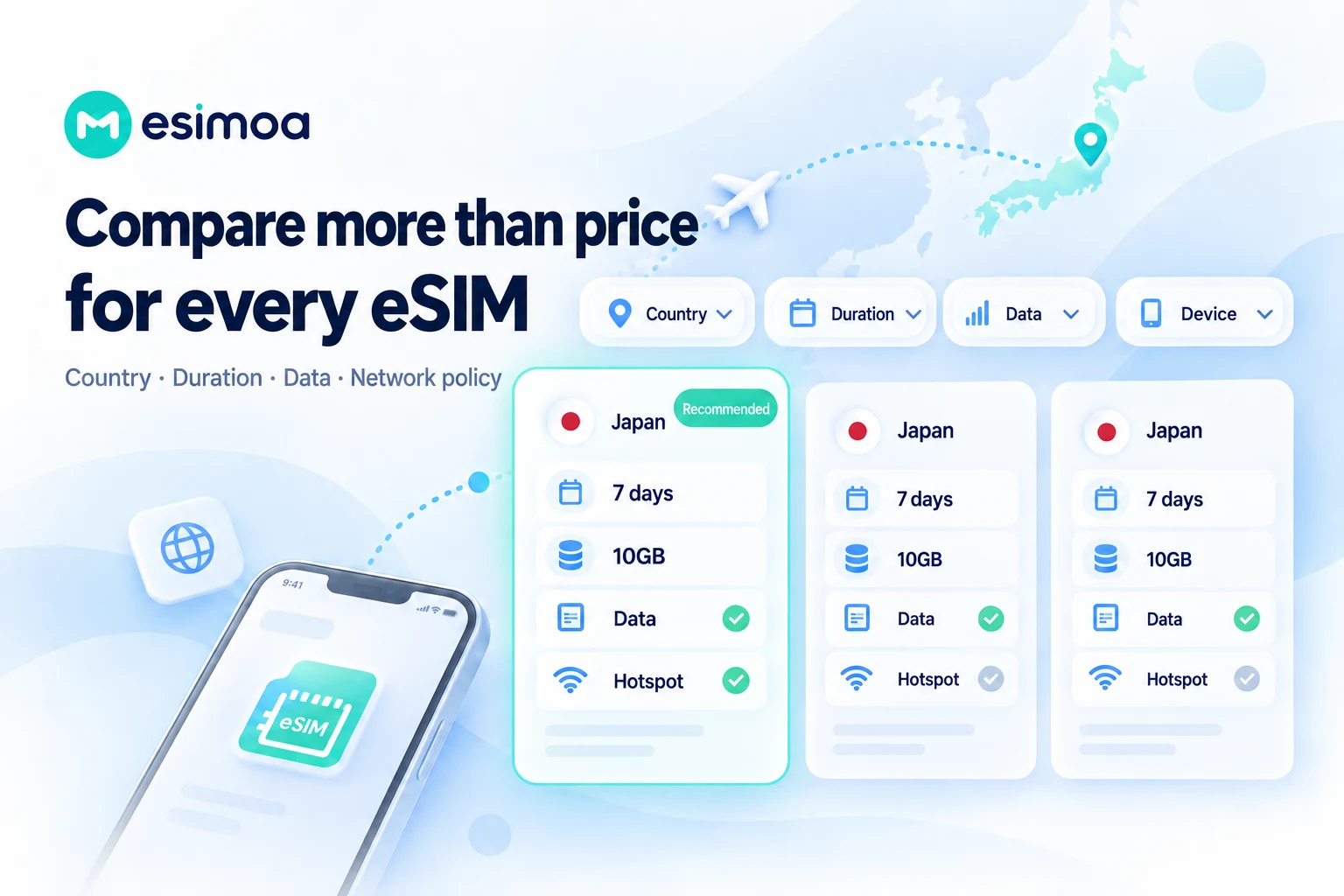
Review network policies, hotspot support, local numbers and included countries—not price alone.
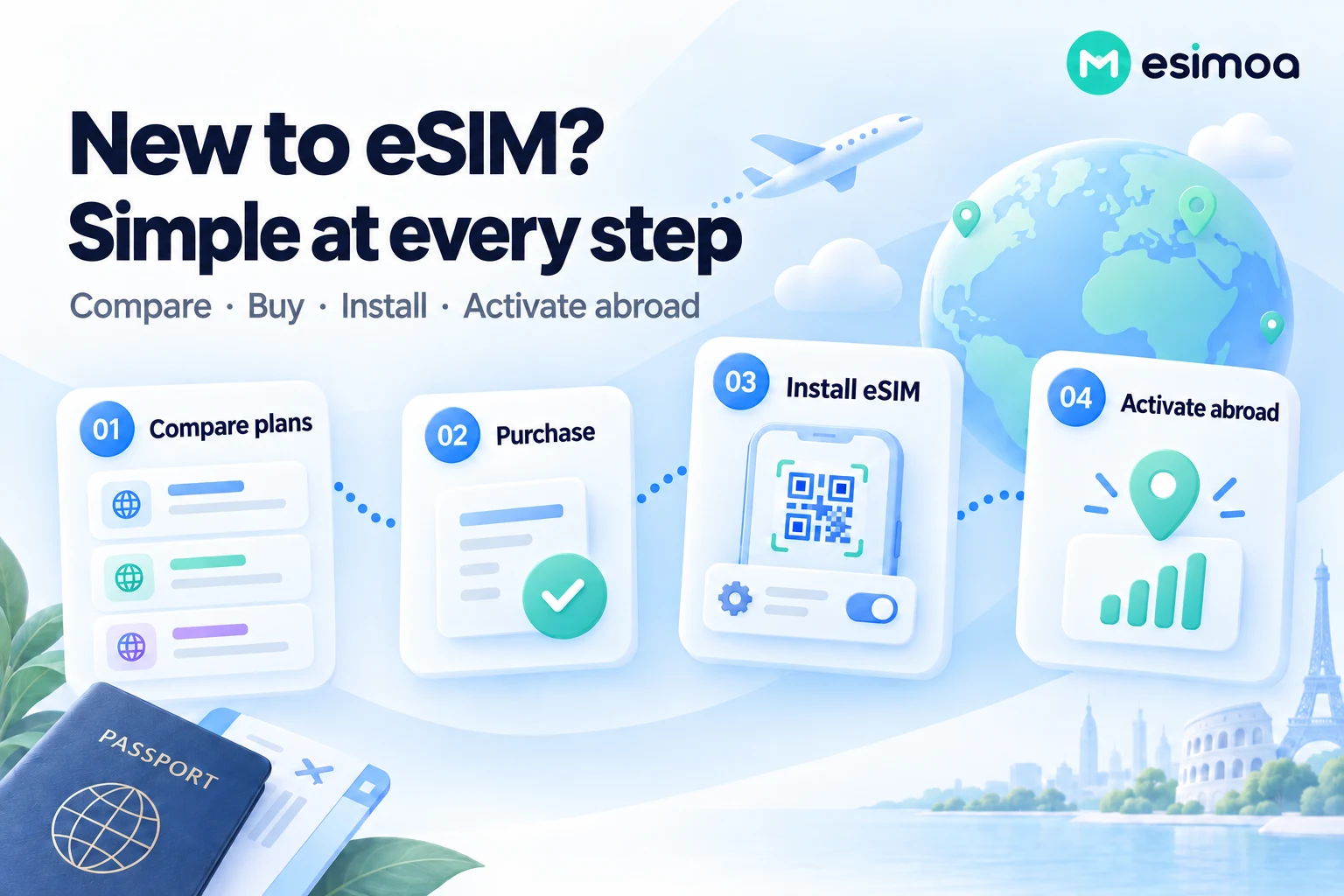
Follow device checks, installation timing and arrival settings step by step.
SMART COMPARISON
Plans with the same destination and data allowance may still differ in validity, speed policy and hotspot support. eSIMoa brings the decision-making details into one clear view.
READY BEFORE DEPARTURE
Compare and purchase a plan, then install it by QR code or device settings. Because activation timing varies by product, the guide distinguishes pre-departure installation from activation at your destination.
FOR EVERY JOURNEY
Compare plans around the cities, duration and data use of your own itinerary.
Check included destinations and validity together to reduce unnecessary plan changes.
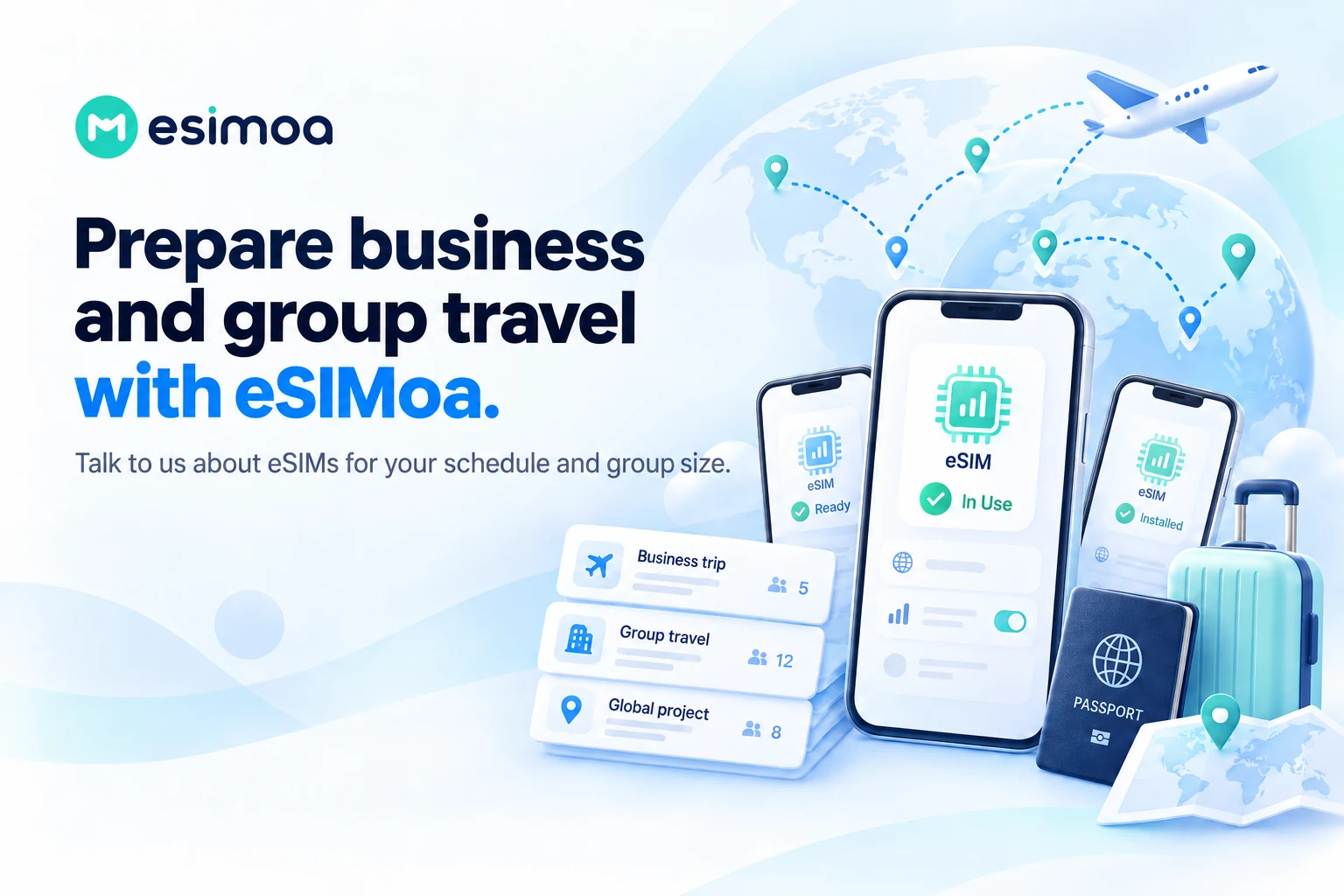
Discuss multi-line requirements based on schedule, group size and usage needs.
OFFICIAL VIDEO
See the product's key capabilities and experience in the official video.
Official esimoa introduction video
esimoa · YouTube
Watch on YouTube ↗PRODUCT OVERVIEW
esimoa helps travelers compare and buy eSIM plans for their destinations, schedules and data needs. Beyond price, it helps you review coverage, data policies, device compatibility, installation and activation so you can prepare connectivity that fits the actual trip.
CORE CAPABILITIES
Search using destination, duration, data allowance and number of users. Read the plan conditions alongside the price and choose a package that fits your usage.
Compare plans for one destination with regional options for multi-country trips. Check that included countries and validity cover the complete itinerary, including changes.
Compare offers from different providers in one place. The same advertised allowance may come with different networks, speed policies, hotspot support or local-number options.
The service also describes plans that can be topped up after installation. Not every eSIM supports recharge or reuse; check the specific plan's destinations and top-up conditions.
Use iPhone and Galaxy/Android installation, arrival activation and troubleshooting guides. Check compatibility, carrier locks, data-line selection and roaming settings step by step.
Discuss destination, quantity, dates and data requirements for business trips, training or group travel. A separate inquiry path covers quotations, issuance schedules, QR delivery and setup guidance.
IN PRACTICE
Estimate trip length and data use, then check each person's phone. Compare allowances based on expected maps, messaging and video usage.
Find regional plans that include all destinations. Check transit countries and the activation trigger before preparing connectivity across borders.
Consolidate destinations, headcount, dates and budget for a bulk inquiry. Plan individual QR distribution and pre-departure guidance after issuance.
Illustrative workflows based on product capabilities, not verified customer deployments or performance results.
HOW IT WORKS
Verify eSIM support for the exact model and sales region, and check carrier-lock status.
Review countries, duration, allowance, networks, speed policy and activation trigger before selecting a plan.
Install with a stable internet connection. Confirm installation timing and when plan validity begins.
Check the data line and required roaming settings. If connection fails, consult support before deleting the eSIM.
READY TO CONNECT
Compare plans on the web and install them on compatible eSIM devices. A brand name alone does not establish compatibility; check model and sales region. Organizations can use the bulk-purchase channel; consumer plans are not described here as an enterprise telecom API.
PRODUCT FAQ
OFFICIAL RESOURCES
Plan counts, lowest prices and supported destinations change, so no fixed guarantees are shown. Network quality, speed, compatibility, recharge and refunds depend on the plan, device and local conditions.
Official websites and documentation checked on September 24, 2026. Availability and terms depend on version, plan and integration environment.
MORE PRODUCTS

MULTICLOUD FINOPS
One close for all your cloud costs

AI CREATIVE
Bring imagination to everyday design

MARKETING INTELLIGENCE
Turn scattered data into your next growth opportunity

REAL-TIME CONNECTION
Conversations connecting people and services
 GAMEPOT
GAME OPERATIONS
Lighter development. More enjoyable games.