
GAMEPOT
Connecting game launch and live operations with GAMEPOT
A practical guide to designing login, payment, analytics, coupons and support as one operating flow.
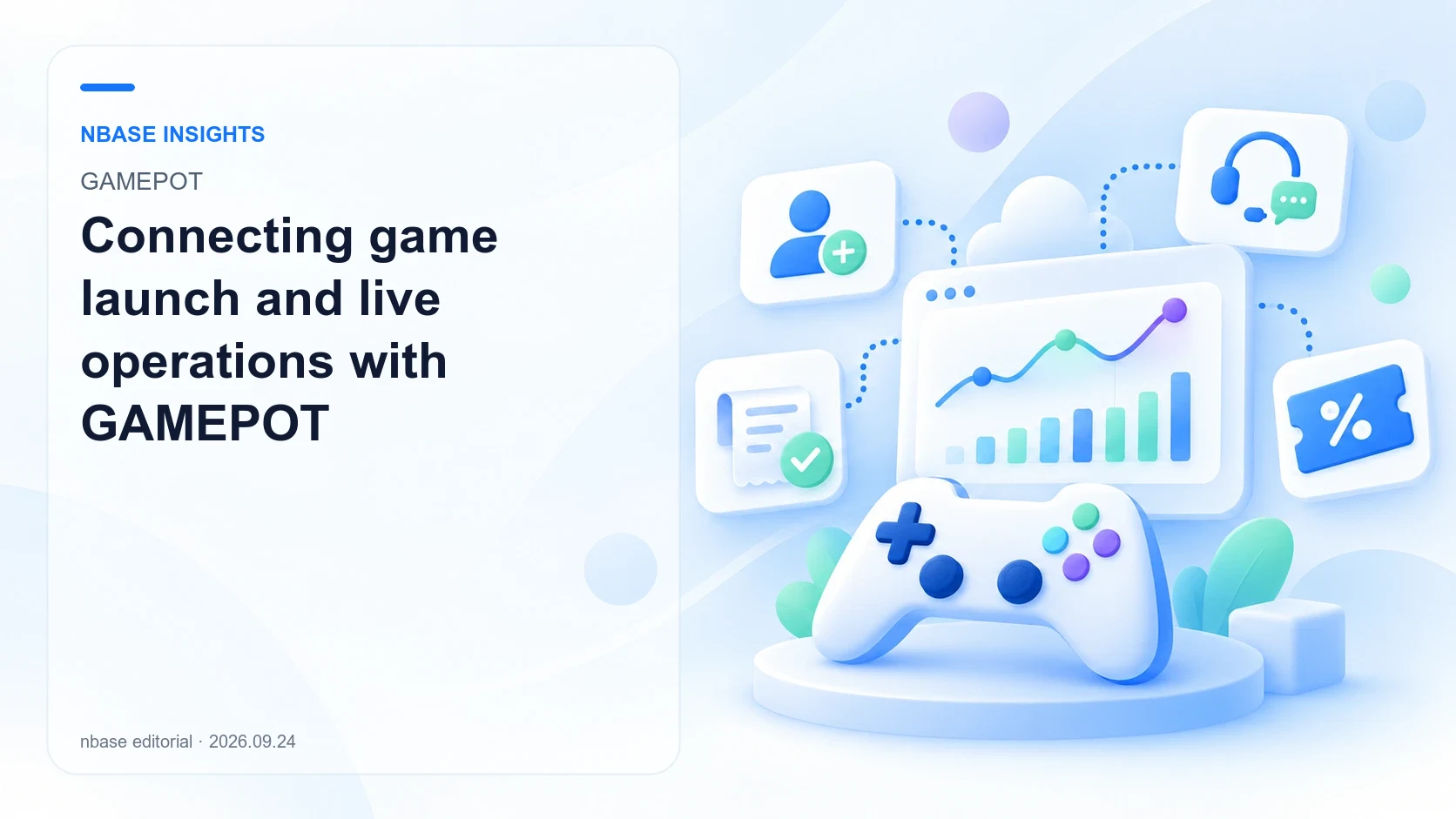
What does this product help you solve?
Building enjoyable gameplay is different from implementing the authentication, payments and support needed for launch. GAMEPOT is NAVER Cloud's integrated game operations platform, connecting SDK integration with post-launch administration. nbase introduces it based on its experience developing and supplying GAMEPOT.
Capabilities and decision criteria
Authentication and sign-in
Connect external accounts such as Google and Apple with game-user management. GAMEPOT 3.0 documents configuration for each sign-in method; select and validate the methods needed by your release markets and platforms.
Store payments and fulfillment
Configure store products, receipt validation and requests to grant items. Treat payment success and actual delivery by the game server as separate steps, and test retries and duplicate prevention.
Operational game analytics
Review user, revenue, retention and concurrent-user data in the dashboard. Understand the collection rules for DAU, MAU and CCU before comparing periods or changes around an update.
Push and coupon campaigns
Connect event announcements and rewards through push messages and coupons. Review coupon entry interfaces, integration methods and redemption records to build an operational workflow.
In-game customer support
Connect inquiries, FAQs, announcements and policy pages through in-game web views. Support account, payment and bug inquiries with relevant attachments and operational follow-up.
Maintenance, updates and extensions
Manage maintenance and update notices and assess the modules and plugins available in GAMEPOT 3.0. Include post-launch tools and administrator responsibilities in your integration plan.
Use scenarios
Launching a new game
Connect common authentication, payment and support capabilities and organize store-specific pre-release tests. Separate game-content development from operational infrastructure.
Running a live game
Review updates, push campaigns, coupons and support in a common operational framework. Combine records and metrics to prioritize future updates.
Preparing an international release
List the login methods, stores, support languages and policies needed by each region. Build environment-specific checklists instead of assuming one configuration fits every market.
Illustrative workflows based on product capabilities, not verified customer deployments or performance results.
Implementation workflow
- 01
Choose version and project
Review whether the project is new or existing, its GAMEPOT version, engine and target stores.
- 02
Connect authentication and payment
Integrate SDKs, sign-in methods, store products, receipt validation and server-side fulfillment.
- 03
Configure operations
Set up support, announcements, coupons, push and administrator permissions within scope.
- 04
Validate before and after launch
Test payments, recovery, duplicate prevention and maintenance behavior, then monitor operational metrics.
Platforms and integration
Official guides distinguish GAMEPOT 2.0 and 3.0 and environments including Android, iOS, Unity and Unreal. Version 3.0 describes modular integration and plugins. Confirm the supported engine, SDK, store and sign-in combinations in the documentation for the selected version.
Practical checklist
- Share engine and SDK versions, release countries, stores and sign-in methods.
- Clarify responsibility for fulfillment, retries and duplicate prevention after receipt validation.
- Confirm plan-specific features, DAU pricing criteria and related-service costs such as Object Storage.
Frequently asked questions
Does GAMEPOT replace the game server?
It integrates authentication, payments and operations. Game-specific combat, matchmaking and world-state logic still need separate design, connected to the required authentication and fulfillment flows.
How should we choose between 2.0 and 3.0?
The guides distinguish SDKs and capabilities by version. Review existing integrations, engine, stores and essential functions, then assess compatibility and migration scope.
Are all operational features included in the base price?
Availability varies by version and plan. Some legacy guides mark analytics and coupons as Pro or above, and related cloud services may be billed separately. Check the current offering.
Official sources and earlier articles
This article summarizes and interprets the sources below. Features and conditions may change.
- GAMEPOT overviewNAVER Cloud Platform
- GAME X seminar and GAMEPOT V3Nbase Medium · 2024-01-29
- GAMEPOT product videoYouTube
- GAMEPOT service specifications and pricingNAVER Cloud Platform